Android tablets have evolved into powerful creative tools capable of handling everything from quick sketches and digital paintings to professional illustrations, comic creation, vector design, and even animation.
Table of Contents
Thanks to advanced stylus support, high-resolution displays, and increasingly powerful hardware, artists no longer need an iPad to enjoy a premium digital art experience.
Whether you’re a beginner learning the basics of digital drawing, a comic artist working on your next graphic novel, or a professional designer seeking desktop-level creative tools, there’s an Android drawing app perfectly suited to your workflow. The challenge is finding the right one among the thousands of options available on the Google Play Store.
To help you choose, we’ve tested and compared the most popular drawing apps available today. While many apps offer only basic features, some deliver powerful brush engines, advanced layer management, customizable workspaces, vector tools, animation capabilities, and seamless stylus integration that rival professional desktop software.
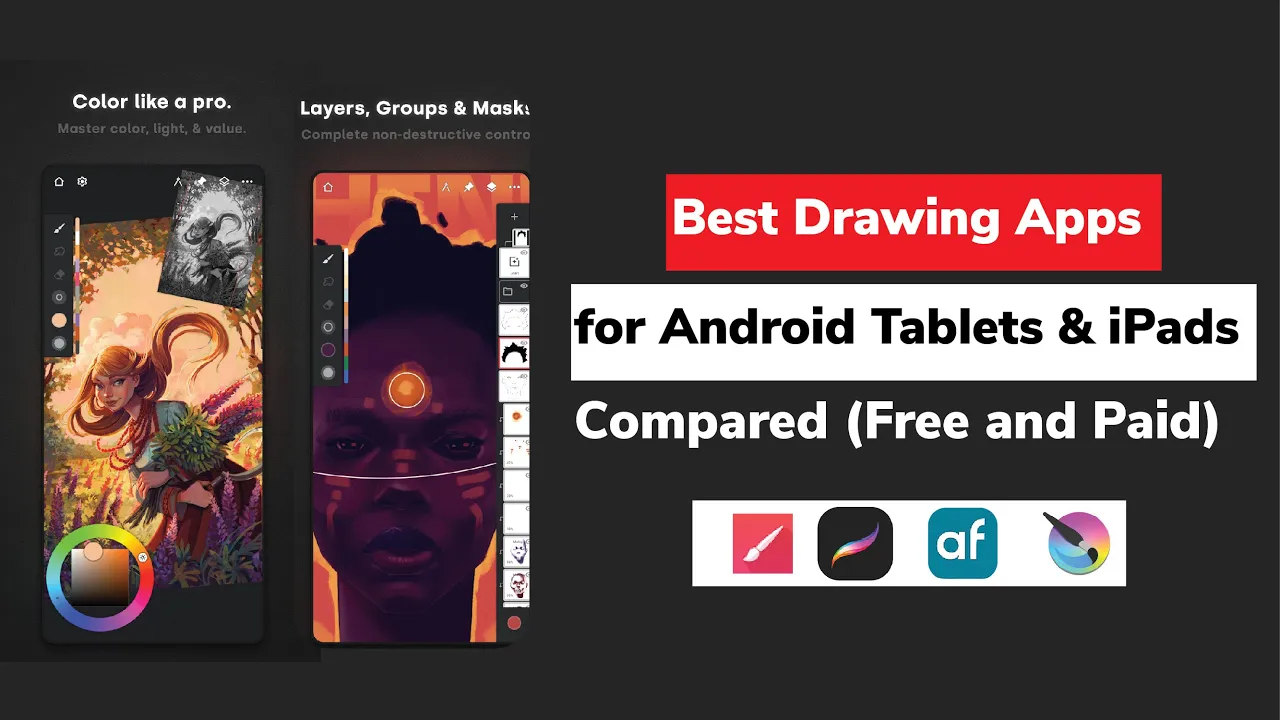
In this guide, we’ve rounded up the best free and paid drawing apps for Android tablets and iPads. From the powerful open-source capabilities of Krita to the industry-leading experience of Procreate and the versatility of Infinite Painter, these apps cater to every skill level, artistic style, and budget.
Digital art has never been more accessible. With the right app, your tablet or smartphone can become a fully featured portable art studio, allowing you to create concept art, manga, illustrations, character designs, comics, and stunning digital paintings wherever inspiration strikes.
Read on to discover the best drawing apps for Android and iPad users in 2026, including their key features, strengths, pricing, and who they’re best suited for.
Top Free and Paid drawing apps Tablets
- Krita – Best Overall Free Drawing App for Android Tablets
- Sketchbook – Best Free Drawing App for Sketching and Digital Art
- ArtFlow – Best Free Drawing App for Android Beginners
- MediBang Paint – Best Free Drawing App for Comics and Manga
- ibis Paint X – Best Drawing App for Anime and Illustration
- Concepts – Best Infinite Canvas Drawing App
- Adobe Illustrator – Best Vector Drawing App
- Procreate – Best Drawing App for iPad
Krita – Best Free Drawing App for Android Tablets
Features: Advanced brush engine with 100+ brushes, PSD file support, Animation tools, Layer management, Stylus support (S Pen optimized)
What we Liked
- Completely free and open-source
- Professional-grade tools
- Great for large tablets
- Many Professional features
- Flexible with many customisation tools
- Comes with Animation tools
What we did not Like
- Heavy interface for beginners
- Requires powerful device
- Not Available for Mobile
Krita is one of the most powerful free drawing apps available for Android tablets, offering a professional-grade digital art experience without any subscription fees or hidden costs.
As a free and open-source application, Krita is continuously improved by a global community of developers, ensuring artists receive regular updates and new features at no charge.
Originally developed for desktop computers, Krita has been successfully brought to Android tablets, giving users access to an extensive creative toolkit that rivals many premium drawing apps.
It features advanced brush engines, comprehensive layer management, drawing assistants, transform tools, PSD file support, unlimited undo, animation capabilities, and compatibility with most major file formats.
Artists using Samsung Galaxy tablets can also benefit from S Pen gesture support, while keyboard shortcuts help recreate a desktop-like workflow.
Krita’s massive brush library and intuitive interface make it suitable for both hobbyists and professional illustrators looking for maximum creative freedom.
While the app excels on tablets and Chromebooks, it is not available for Android smartphones due to the complexity of adapting its feature-rich interface to smaller screens.
Nevertheless, for Android tablet users seeking a completely free, professional-quality drawing app, Krita remains one of the best Procreate alternatives available today.
Sketchbook – Best Free Drawing App for Sketching and Digital Art
Features: Clean UI, Symmetry tools, Time-lapse recording, Brushes and layers
What we Liked
- Easy UI for beginners
- Allows timelapse recording
What we did not Like
- Limited controls for professional work
From our research and evaluation of the leading Android drawing apps, we found Sketchbook to be one of the most user-friendly options available for artists who want a clean, distraction-free drawing experience.
Originally developed by Autodesk, the company behind several professional design and 3D modeling tools, Sketchbook has become a favorite among beginners, hobbyists, and professional artists thanks to its intuitive interface and powerful creative features.
During our testing, we particularly appreciated how Sketchbook prioritizes the canvas over cluttered menus, allowing artists to focus entirely on their work.
The app includes a wide selection of customizable pencils, pens, markers, and brushes, along with support for layers, rulers, guides, and symmetry tools that make creating precise artwork much easier.
Samsung Galaxy tablet users can also benefit from full S Pen support, delivering a natural and responsive drawing experience.
We also found Sketchbook’s time-lapse recording feature especially useful for artists who want to showcase their creative process on social media or review their workflow. Despite being free, the app offers enough functionality for serious sketching, concept art, character design, and digital painting projects.
One of Sketchbook’s greatest strengths is its accessibility. Unlike some professional drawing apps that require a steep learning curve, Sketchbook is easy to pick up while still offering advanced tools for experienced artists.
The core version is completely free, while a one-time Premium Bundle unlocks additional features such as advanced brush creation, enhanced color management, and more powerful layer controls.
Overall, our research found that Sketchbook strikes an excellent balance between simplicity and capability, making it one of the best free drawing apps for Android tablets and smartphones.
Whether you’re creating quick sketches or detailed illustrations, Sketchbook provides a professional-quality drawing experience without overwhelming users with unnecessary complexity.
ArtFlow – Best Free Drawing App for Android Beginners
From our testing of beginner-friendly drawing apps, we found ArtFlow to be one of the easiest Android drawing apps to learn while still offering enough features for serious creative work.
Its lightweight design, fast performance, and uncluttered interface make it particularly appealing to new digital artists.
During our evaluation, ArtFlow stood out for balancing simplicity with functionality. The app includes more than 80 brushes, stylus support, layer management, blend modes, smudge tools, erasers, and time-lapse recording capabilities.
It also supports high-resolution canvases up to 6,000 × 4,500 pixels at 300 DPI, allowing users to create detailed artwork suitable for printing.
We also appreciated ArtFlow’s thoughtful usability features, including keyboard shortcuts and the ability to flip the interface for left-handed or right-handed artists. These small additions help create a more comfortable and efficient drawing experience.
While the free version has some limitations, including fewer layers and restricted touch gestures, users can unlock premium features through a one-time purchase.
Overall, our research found ArtFlow to be one of the best free drawing apps for Android tablets, especially for beginners looking for a smooth and accessible introduction to digital art.
Features: 80+ brushes, Layer blending, Stylus support, High-resolution canvas
Pros and Cons
- Lightweight and fast
- Beginner-friendly
- Limited pro tools
MediBang Paint – Best Free Drawing App for Comics and Manga
From our research into comic and manga creation apps, we found MediBang Paint to be one of the most feature-rich free drawing applications available for Android and iPad users. It offers a comprehensive collection of creative tools specifically designed for comic artists, illustrators, and storytellers.
During our evaluation, MediBang Paint impressed us with its extensive library of more than 180 brushes, over 1,000 screen tones, built-in comic panel tools, fonts, and layout features. These tools allow artists to create professional-looking comics and manga directly from their mobile devices without requiring expensive desktop software.
One feature we particularly liked was the app’s cloud synchronization system, which enables users to save projects online and continue working seamlessly across smartphones, tablets, and desktop computers. The app also includes pressure sensitivity support, high-resolution canvases, customizable shortcuts, and time-lapse recording functionality.
Although the free version contains advertisements and may require some initial pressure-sensitivity adjustments, our research found MediBang Paint to be one of the strongest free options available for comic creators and digital illustrators across multiple platforms.
Features: 180+ brushes, Comic panel tools, Cloud sync, Fonts and screen tones
Pros and Cons
- Best for manga/comics
- Free to use
- Ads in free version
ibis Paint X – Best Drawing App for Anime and Illustration
From our testing of popular illustration apps, we found ibis Paint X to be one of the most feature-packed drawing applications available for Android and iOS devices.
The app is especially popular among anime artists, character designers, and social media creators thanks to its massive collection of brushes and creative tools.
During our evaluation, we were impressed by the sheer variety of resources available within the app. ibis Paint X offers more than 15,000 brushes, over 1,000 fonts, advanced layer functionality, and built-in screen recording that allows artists to capture and share their creative process.
We also found the community-focused features to be a major advantage. Artists can easily share artwork, discover tutorials, and learn techniques from other users within the platform. Combined with its powerful illustration tools, this makes ibis Paint X a valuable learning resource for aspiring artists.
While advertisements are present in the free version, our research found that the extensive toolset and active creative community make ibis Paint X one of the best drawing apps for anime, manga, and digital illustration enthusiasts.
Features: 15,000+ brushes, Screen recording, 1000+ fonts, Layer system
Pros and Cons
- Pro-level Android app
- Smooth performance
- Paid features required
- Huge brush library
- Great community tools
- Ads in free version
Procreate – Best Drawing App for iPad
From our research and comparison of iPad drawing apps, we found Procreate to remain the industry standard for digital illustration and painting. Designed exclusively for iPad, it combines professional-grade tools with an intuitive interface that helps artists work efficiently without sacrificing creative control.
During our evaluation, Procreate consistently delivered one of the smoothest drawing experiences available on any mobile device. The app features an advanced brush engine, extensive customization options, animation tools, flexible color management, and support for innovative 3D painting workflows compatible with professional software such as Blender and ZBrush.
We particularly appreciated how Procreate manages to balance powerful functionality with ease of use. Whether creating sketches, concept art, illustrations, or complex digital paintings, the app feels responsive and polished throughout the creative process.
Although it is only available on iPad, our research found Procreate to be one of the best investments digital artists can make. Its one-time purchase model and professional feature set make it an exceptional value for both hobbyists and professional creators.
Features: Ultra-smooth drawing engine, 3D painting, Animation tools, Custom brushes
Pros and Cons
- Industry standard on iPad
- Very smooth workflow
- iPad only
Concepts – Best Infinite Canvas Drawing App
From our testing of sketching and design applications, we found Concepts to be one of the most innovative drawing apps available for artists, architects, designers, and visual thinkers.
Unlike traditional drawing apps that use fixed-size canvases, Concepts provides an infinite canvas that allows users to sketch without limitations.
During our evaluation, the app’s precision-focused tools stood out immediately. Concepts combines vector-based drawing with flexible sketching tools, making it ideal for brainstorming, industrial design, architecture, product development, and technical illustration.
We also found that the infinite canvas significantly improves workflow for large projects, mind maps, and concept development. The app’s vector-based approach allows users to edit and scale artwork without losing quality, providing greater flexibility than many raster-based drawing applications.
Overall, our research found Concepts to be an excellent choice for creative professionals who need precision, scalability, and unlimited workspace rather than traditional painting-focused features.
- Infinite canvas
- Vector tools
- Precision sketching
Adobe Illustrator Draw – Best Vector Drawing App
From our research into vector drawing software, we found Adobe Illustrator Draw to be one of the strongest options for artists and designers focused on creating scalable artwork, logos, and graphic design projects. Its vector-based workflow allows illustrations to remain sharp and editable regardless of size.
During our evaluation, we appreciated the app’s clean design tools and seamless integration with Adobe’s creative ecosystem. Users can create logos, icons, illustrations, and marketing graphics while taking advantage of cloud synchronization for easy access across multiple devices.
We also found Illustrator Draw particularly useful for designers who regularly work with Adobe Creative Cloud applications. The ability to transfer projects between mobile and desktop environments helps streamline professional workflows.
While it is more specialized than traditional painting apps, our research found Adobe Illustrator Draw to be an excellent choice for designers seeking professional vector illustration capabilities on mobile devices.
Features: Vector artwork, Logo design tools, Cloud sync
How we choose and test the Best Android drawing Apps
Choosing the best drawing app depends on your device, artistic style, skill level, and creative goals. During our research and evaluation, we compared the most popular drawing apps based on their brush quality, drawing tools, stylus support, ease of use, performance, and overall value.
We also considered how well each app serves specific types of artists, from beginners and hobbyists to professional illustrators, comic creators, designers, and digital painters.
After reviewing the leading options, we found that Krita is the best free drawing app for Android tablets thanks to its professional-grade feature set and open-source nature.
Sketchbook stands out as the best free app for sketching and digital art, while ArtFlow is an excellent choice for beginners looking to learn digital drawing. For comic and manga artists, MediBang Paint offers specialized tools and templates, while ibis Paint X excels in anime-style artwork and illustration.
Concepts is our top recommendation for artists who need an infinite canvas and precision sketching tools, while Adobe Illustrator remains the leading choice for vector graphics and professional design work.
For iPad users, Procreate continues to set the standard for mobile digital art with its powerful yet intuitive creative workflow.
Our goal was to identify the best drawing apps for every type of artist, helping you find the perfect tool regardless of your platform, experience level, or artistic focus.
Frequently Asked Questions
Can you use Procreate on Android Tablets?
No, Procreate is only compatible with iOS or iPads and Apple devices. For Android OS, you can use Krita or ArtFlow.
What is the best free drawing app for Android?
There are many free drawing Apps for Android. Krita and ArtFlow are our best picks for professional use.
Can Android tablets replace iPads for drawing?
Yes. Apps like Krita, Infinite Painter, and ibis Paint X make Android tablets powerful enough for professional work.